
Bulk Card Scanner
Scan business cards. Build lasting connections.
Location
Contact Information
Description
Bulk Business Card Scanner – Scan Up to 100 Cards Per Batch
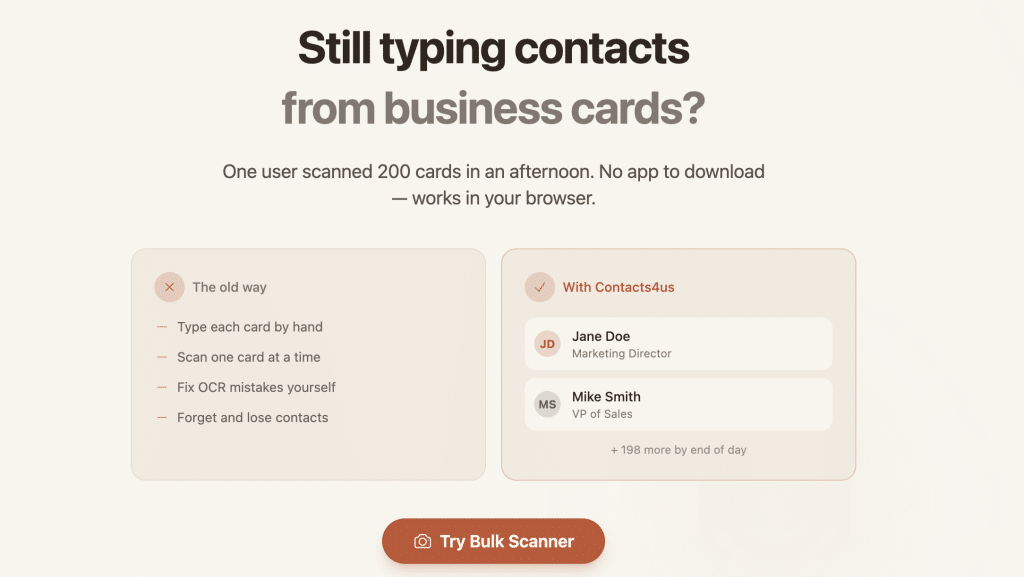
Still manually typing contact information from business cards? Bulk Card Scanner is a browser-based bulk business card scanner that lets you photograph multiple cards at once, extract contact details automatically using AI, and export everything to your phone, CRM, or spreadsheet—in seconds. No app to download. No tedious one-by-one scanning.
How It Works
Contacts4us turns a pile of business cards into organized, exportable contacts in three simple steps:
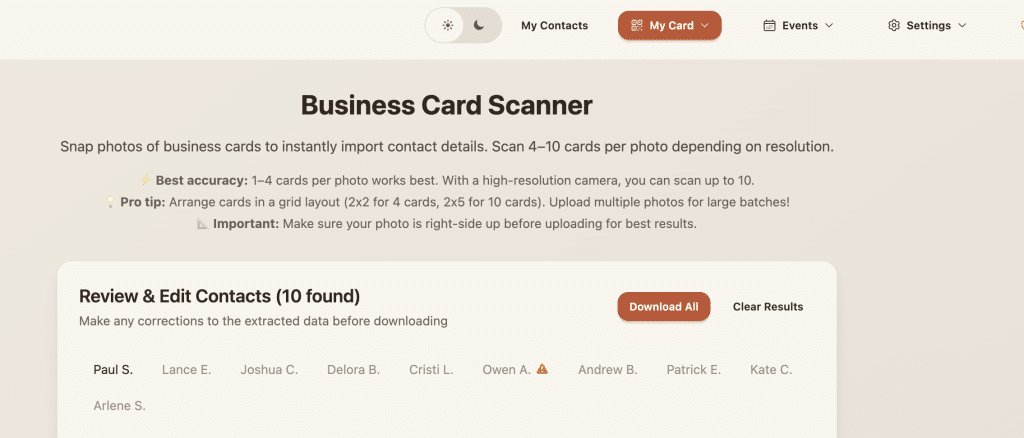
- Photograph – Upload up to 10 photos with up to 10 cards each. That’s 100 contacts per batch, 200+ contacts in an a couple minutes
- Extract – AI reads every card and pulls names, emails, phone numbers, job titles, and more—instantly and accurately.
- Export – Download your contacts as a vCard (VCF) or CSV file, or sync directly to your phone contacts.
Key Features
- Batch Scanning – Scan up to 10 business cards per photo and 100 cards per batch. Every other scanner requires one card at a time.
- AI-Powered Extraction – Accurate OCR and AI recognition pulls names, emails, phone numbers, titles, companies, and more.
- Multiple Export Formats – Export to VCF (vCard) for iPhone, Android, and Google Contacts, or CSV for spreadsheets, databases, and CRM imports.
- No App Required – Works in any mobile or desktop browser. iPhone, Android, tablet—just open and scan.
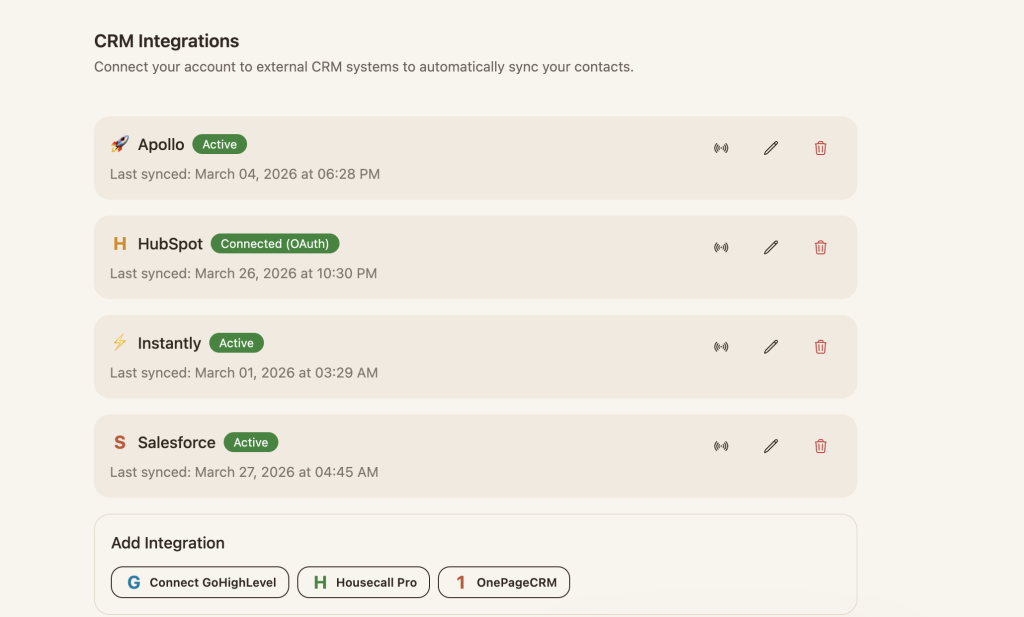
- CRM Integration – Send contacts directly to OnePageCRM, Apollo.io, Instantly.ai, or any CRM via webhook.
Who Is Bulk Card Scanner For?
Contacts4us is built for anyone who collects business cards and hates the follow-up bottleneck that comes with them. It’s especially valuable for:
- Sales professionals and business development teams returning from trade shows or networking events
- Small business owners and entrepreneurs who rely on referrals and personal connections
- Event organizers and conference attendees who collect dozens of cards in a single day
- Anyone with a business card drawer full of forgotten contacts waiting to be digitized
Pricing
Scanning is always free—no account required. To export your contacts, a 7-day unlimited export pass is just $3.50 with no auto-renewal and no surprises. Subscription plans are also available for ongoing access.
Frequently Asked Questions
Can I scan multiple business cards at once?
Yes. Contacts4us supports up to 10 cards per photo and up to 10 photos per batch—that’s 100 contacts in a single upload. No other scanner does this.
Do I need to download an app?
No. Contacts4us runs entirely in your browser on any device—iPhone, Android, tablet, or desktop.
Is scanning free?
Yes. Scanning and AI extraction are always free with no account required. Exporting requires a $3.50 week pass or a subscription plan.
What formats can I export to?
VCF (vCard) for direct import to iPhone, Android, Google Contacts, and iCloud. CSV for spreadsheets, databases, and CRM tools.
Can it integrate with my CRM?
Yes. Built-in integrations include OnePageCRM, Apollo.io, and Instantly.ai. Webhook support allows real-time syncing with virtually any CRM.
How accurate is the scanner?
Accuracy is highest with 1–4 cards per photo in good lighting, laid flat on a contrasting surface. High-resolution cameras can reliably capture up to 10 cards per photo.
Stop Typing. Start Scanning.
Your time is worth more clean out that business card drawer and get your contacts organized today.
👉 Visit bulkcardscanner.com to start scanning free.
Tag
Video
Author Info

Contact Listings Owner Form


NTi – Networking Today International
- 865.679.0340
- April 9, 2024